Edit in WordPress.
Publish on Shopify.
Your team keeps writing in WordPress. Wash publishes every post to your Shopify store with its images, SEO fields and translations, so readers find your content next to your products and never need to visit WordPress.
✓ Free plan includes 5 articles & 20 edits a month. No credit card required.
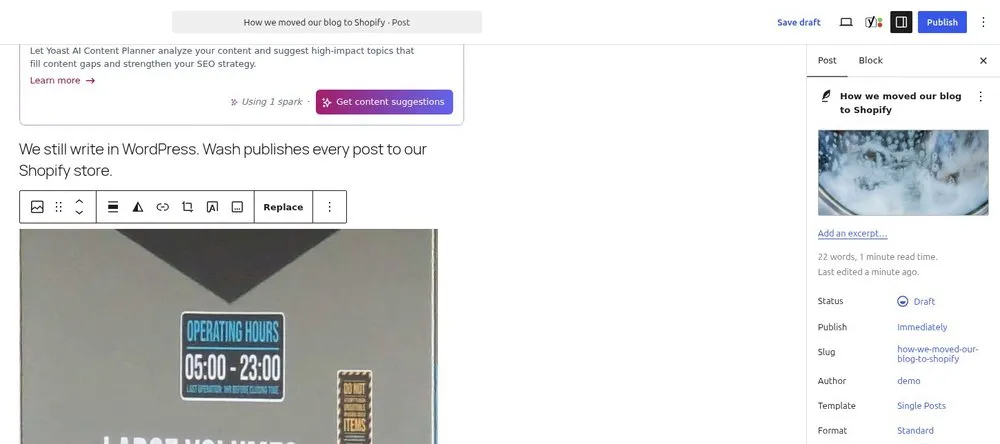
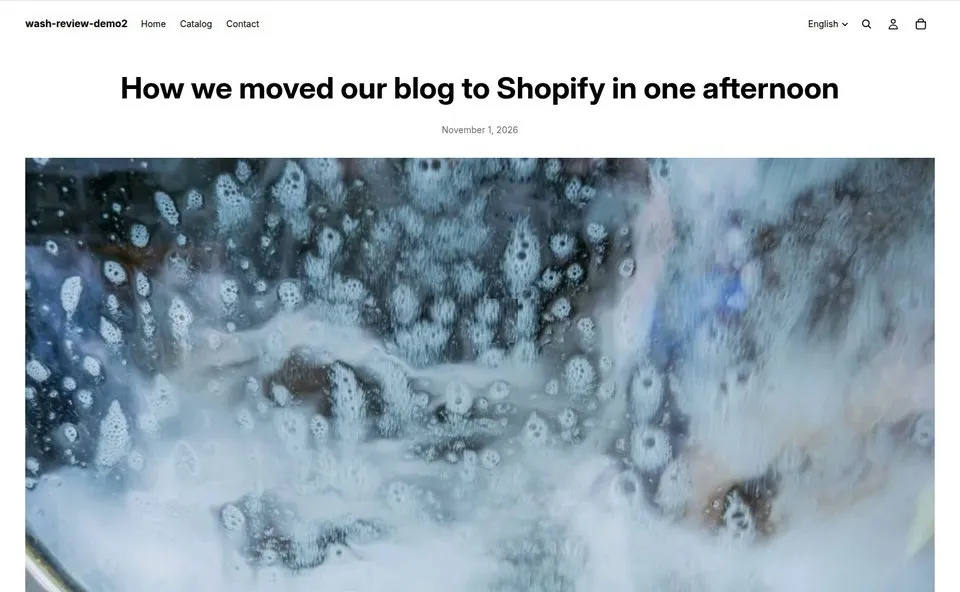
Brands that write in WordPress and sell on Shopify
Wash fits when the people writing your content and the people buying your products use different platforms.
Your shop moved to Shopify, your blog didn't
Years of articles still sit on WordPress. Wash brings them to your store with their images and SEO fields, then keeps new posts coming.
Your team writes in WordPress
Writers keep the block editor and their SEO plugin. Each publish, update or delete in WordPress shows up on your Shopify blog.
You publish in more than one language
Translations made with WPML or Polylang go to the matching Shopify languages, with hreflang tags between them.
WordPress is where you write. Your store is the website.
A blog on a separate WordPress site is a second website to run. It needs patching, a theme that keeps up with the store, and hosting sized for reader traffic. Readers who land there are a domain away from your products.
With Wash, the articles and their images live on Shopify, so readers never load a page from WordPress. A theme or plugin update in WordPress doesn't touch the articles already on your store.
What reaches your store
Content, images, SEO data and language variants move from WordPress to Shopify when you publish. You don't export or re-upload anything.
Articles arrive the way you wrote them
Posts become Shopify blog articles and pages become Shopify pages. Gutenberg blocks, galleries, columns and embeds keep their styling, and Bricks layouts come across too. Images and documents move to the Shopify CDN, with optional WebP conversion, and every link to them is rewritten.
SEO comes with them
Titles, descriptions and social tags from Yoast SEO or Rank Math sync as Shopify metafields. Wash can also create 301 redirects from your old WordPress URLs to the new Shopify paths.
Translations stay linked
Language versions map to Shopify languages with hreflang tags managed for you. On WordPress Multisite, each network site can feed its own Shopify blog.
Your custom data as well
ACF and custom fields sync as Shopify metafields, with theme snippets to display them. Search-and-replace rules can fix links or swap domains while content syncs.
Why not import once?
An import copies your blog to Shopify on the day you run it. Wash keeps both sides in step for as long as your team writes.
| Question | Wash | One-time import | Leave the blog on WordPress |
|---|---|---|---|
| Where readers land | On your store | On your store | On WordPress, away from your products |
| Posts written after the move | Sync when you publish | Copied by hand or imported again | Stay on WordPress |
| Where your team writes | WordPress | Shopify's editor | WordPress |
| SEO fields and redirects | Yoast or Rank Math fields, plus 301 redirects | Depends on the tool | Stay on WordPress |
| Translations | WPML and Polylang, with hreflang | Depends on the tool | Stay on WordPress |
Running on a multilingual Shopify store
A health-tech brand moved about 200 articles from WordPress to its Shopify store with Wash, and its team still writes in WordPress. Every article and image the store serves comes from Shopify.
Requests between WordPress and Shopify are signed with HMAC-SHA256 and checked for replays, so only a Wash Connector holding your store's key can publish to it.
Three steps to automated sync
Setup takes one sitting. After that, publishing in WordPress is the whole job.
Install Wash from the Shopify App Store
Add the app to your store and pick a plan. The Free plan is enough to try it.
Add the Wash Connector to WordPress
Install the Wash Connector. It runs on your web server, so nothing is installed on your computer.
Connect and Publish
Generate a connect code in Shopify and paste it into WordPress. After that, write in WordPress as usual: every publish, update, or delete is mirrored on your Shopify store.

See every sync in the Shopify admin
Track sync status, view detailed logs, and manage your content pipeline from the Shopify admin.
- Content sync progress with per-item status
- Recent activity feed with success/error details
- Multisite blog activity logs
- CSV export logs
Choose your plan
Each plan sets a monthly allowance of new articles and edits. Start on Free and move up when your volume does.
Enough to sync a few real posts and judge the output.
No credit card required
What's included
- ✓ 5 new articles per month
- ✓ 20 edits per month
- ✓ 1 WordPress connection
- ✓ Basic image CDN sync
- ✓ Page sync
- ✓ Community support
Adds SEO, metafield and multi-language sync.
Billed monthly · Cancel anytime
Everything in Free, plus
- ✓ 100 new articles per month
- ✓ 500 edits per month
- ✓ 5 WordPress connections
- ✓ SEO sync (Yoast / RankMath)
- ✓ Metafield management
- ✓ Hreflang multi-language support
- ✓ Author mapping
- ✓ Blog mapping by language/category
- ✓ Email support
Adds 301 redirects, ACF sync and search-and-replace rules.
Billed monthly · Cancel anytime
Everything in Pro, plus
- ✓ 500 new articles per month
- ✓ 2,000 edits per month
- ✓ 10 WordPress connections
- ✓ Smart redirections (301)
- ✓ ACF sync (Advanced Custom Fields)
- ✓ Search & Replace rules
For publishers syncing a thousand or more articles a month.
Billed monthly · Cancel anytime
Everything in Business, plus
- ✓ 1,000+ new articles per month
- ✓2,500+ edits per month
- ✓ 20 WordPress connections
- ✓ All features included
- ✓ Priority support
Feature comparison
| Feature | Free | Pro | Business | Enterprise |
|---|---|---|---|---|
| Monthly Articles | 5 | 100 | 500 | 1,000 |
| Monthly Edits | 20 | 500 | 2,000 | Unlimited |
| WordPress Connections | 1 | 5 | 10 | 20 |
| Basic Article Sync | ✓ | ✓ | ✓ | ✓ |
| Image CDN Sync | ✓ | ✓ | ✓ | ✓ |
| Page Sync | ✓ | ✓ | ✓ | ✓ |
| SEO Sync (Yoast/RankMath) | — | ✓ | ✓ | ✓ |
| Metafield Management | — | ✓ | ✓ | ✓ |
| Hreflang Multi-language | — | ✓ | ✓ | ✓ |
| Author Mapping | — | ✓ | ✓ | ✓ |
| Blog Mapping | — | ✓ | ✓ | ✓ |
| Smart Redirections (301) | — | — | ✓ | ✓ |
| ACF Sync | — | — | ✓ | ✓ |
| Search & Replace | — | — | ✓ | ✓ |
| Priority Support | — | — | — | ✓ |
Frequently asked questions
What people usually ask before they install.
Wash: Blog Manager only creates and manages content that is synced from WordPress. Your existing Shopify blog articles, pages, and products remain untouched. Each synced item is tracked by its WordPress ID, so there's no conflict.
Titles, descriptions and social tags from Yoast SEO or Rank Math sync to Shopify on the Pro plan and above. Shopify uses its own URL structure, so on the Business plan Wash also creates 301 redirects from your old WordPress URLs to the new Shopify paths.
Your store keeps working. Synced articles, images and files are stored on Shopify, so the store never loads them from WordPress. You can't publish changes until WordPress is back.
Yes. Put the whole site behind a password (HTTP Basic Auth) and enter the same login on the connection in Wash, which sends it with every image download and status update. You can also hide it from search engines. See Best practices for the setup.
WPML and Polylang. Each language version syncs as its own article, mapped to the Shopify blog and market you choose, and Wash sets hreflang tags between the versions. Language mapping and hreflang are on the Pro plan and above.
The Gutenberg block editor and Bricks are supported, including their styling. Wash detects Elementor and Divi posts but doesn't render their layouts yet.
Yes. By default, Wash: Blog Manager syncs post and page types. You can add any custom post type in the plugin settings. Custom types are synced as Blog Articles on Shopify.
Try it on a few real posts
The free plan covers 5 articles and 20 edits a month. Upgrade when you need more.